




Sample data import
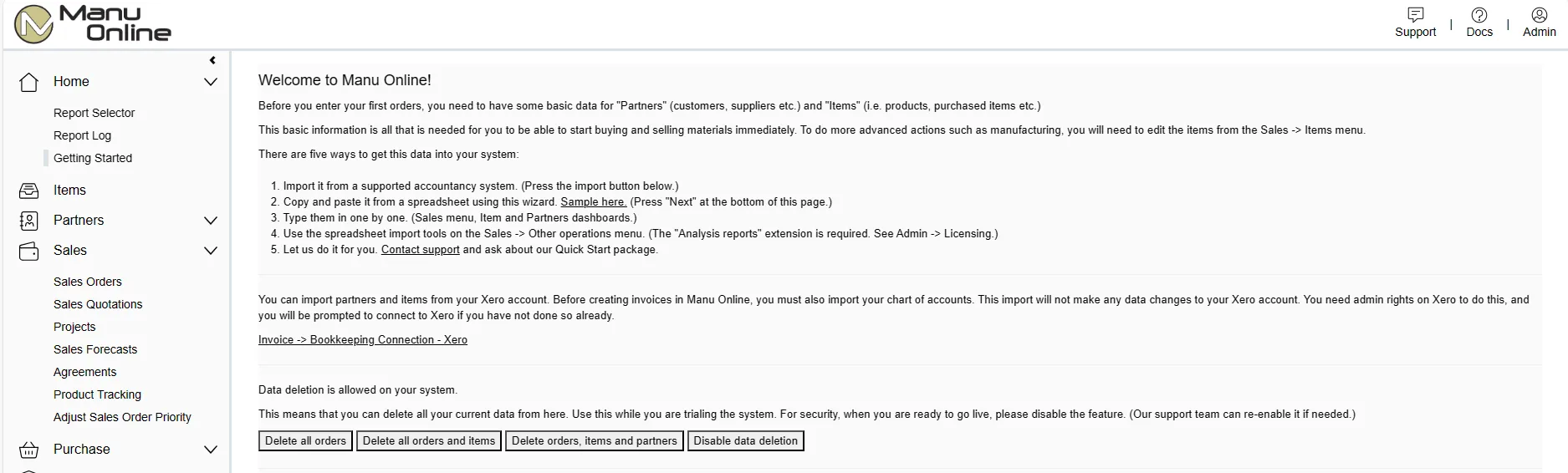
There are several ways that sample data can be imported into the system.
- Import items and partners directly from supported accounts systems.
- Use the Quick Start wizard to copy and paste partners, items and product structures (bills of materials) from a simple Excel template.
- Use advanced Excel templates to import multiple data to your system, such as price lists and manufacturer codes in addition to partners, items and product structures.